.png?width=500&height=500&name=Untitled%20design%20(16).png)

 ·
5 minute read
·
5 minute read
Managing one office printer is simple enough. Managing multiple printers, copiers, scanners, and multifunction devices across departments or locations is a different story.
For many businesses, print environments grow slowly over time. One department adds a desktop printer. Another office leases a copier. A remote location buys a different brand because it was available quickly. Before long, the company has a mix of devices, service plans, toner types, user settings, security gaps, and monthly costs that are hard to track.
That is where print management becomes important.
Print management helps businesses standardize, monitor, secure, and optimize their office printers and copiers. For SMBs and midmarket companies, especially those with more than one location, the right approach can reduce waste, improve uptime, simplify copier maintenance, and create a better experience for employees.
Why Managing Multiple Office Printers Gets Complicated
Most printer problems do not happen all at once. They build over time.
A business may start with one copier in the main office. Then it adds another device for accounting, a color printer for marketing, a scanner for HR, and a multifunction printer for a second location. Each device may have different settings, supplies, contracts, and service needs.
Common challenges include:
- Too many printer models and supply types
- Inconsistent office printer setup across locations
- Employees printing to the wrong device
- Untracked color printing and paper waste
- Delays from service issues or low toner
- Unsecured devices connected to the network
- No clear view of total print costs
When no one has a full picture of the print environment, small problems become expensive.
Start With a Printer and Copier Audit
The first step in better print management is understanding what you already have.
A printer audit looks at every device in your office or across all company locations. This includes printers, copiers, scanners, fax-enabled devices, and multifunction printers.
A good audit should answer:
- How many devices do you have?
- Where is each device located?
- Which devices are being used the most?
- Which devices are underused?
- What brands and models are in place?
- What supplies does each device require?
- What service agreements are active?
- Which employees or departments print the most?
- How much color printing is being used?
- Are any devices outdated or unsupported?
This gives your business a baseline. From there, you can decide what to keep, replace, move, or consolidate.
Standardize Your Office Printer Setup
One of the biggest mistakes businesses make is letting each office, department, or employee choose their own print setup.
That may feel convenient at first, but it often leads to higher costs and more support issues.
Standardizing your office printer setup means creating a consistent plan for which devices are used, where they are placed, how employees access them, and how they are maintained.
This may include:
- Using fewer printer models
- Choosing devices based on actual print volume
- Creating standard print settings
- Setting black-and-white printing as the default
- Limiting color printing to approved users or departments
- Naming printers clearly by location or function
- Using the same print drivers across teams
- Setting up secure print release when needed
A standardized setup makes life easier for employees and IT teams. It also makes copier maintenance and supply ordering much simpler.
Think Beyond One Office
For companies with more than one location, multi-office device management is especially important.
Each office should not operate as its own print island. If one location has too many devices while another does not have enough capacity, your business may be overspending in one place and underperforming in another.
A strong multi-office print strategy should include:
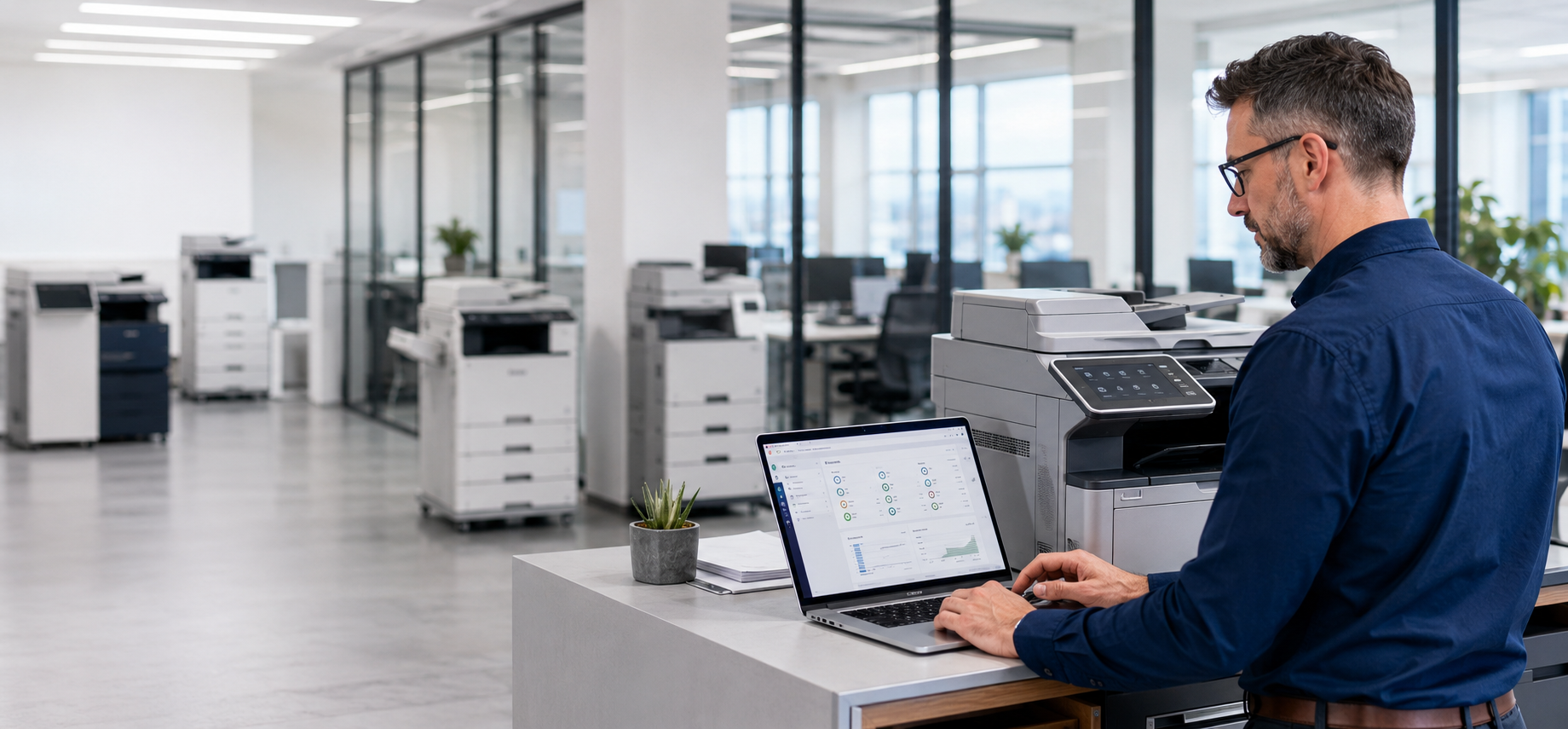
- Central visibility into all printers and copiers
- Consistent device standards across locations
- A shared maintenance and supply process
- Usage reporting by location or department
- Remote monitoring for service alerts
- Clear replacement timelines for aging equipment
This helps leadership and IT teams make decisions based on real data instead of guesswork.
Make Print Security a Priority
Printers and copiers are often overlooked in cybersecurity planning, but they should not be.
Modern office printers are connected devices. Many store, scan, send, and process sensitive business information. That may include payroll records, customer files, financial documents, contracts, medical information, or employee data.
Print security should include:
- User authentication
- Secure print release
- Network access controls
- Firmware updates
- Data overwrite features
- Password-protected admin settings
- Restricted scan-to-email access
- Secure device disposal at end of life
If employees can print sensitive documents and leave them sitting in an output tray, that is a security risk. If an old copier is removed without properly clearing stored data, that can also create exposure.
Print management helps close those gaps by making security part of the device lifecycle.
Use Print Rules to Reduce Waste
Printer cost optimization is not only about getting a lower monthly lease payment. It is also about controlling daily habits that increase costs.
For example, color printing is more expensive than black-and-white printing. Single-sided printing uses more paper. Jobs sent to the wrong printer can create delays and reprints.
Simple print rules can help reduce waste.
Consider setting:
- Black-and-white printing as the default
- Double-sided printing as the default
- Color printing permissions by role
- Print limits for high-volume users
- Secure release to reduce abandoned print jobs
- Routing rules that send large jobs to the most efficient device
These changes may seem small, but they add up over time.
Plan Copier Maintenance Before Problems Happen
Waiting until a copier breaks down is not a maintenance plan.
Preventive copier maintenance helps keep devices running, reduces downtime, and extends equipment life. This is especially important for offices that rely on printing, copying, scanning, or mailing documents every day.
A better maintenance plan should include:
- Regular service checks
- Automatic supply monitoring
- Fast response times for repairs
- Usage tracking
- Replacement planning for aging devices
- Clear support contacts for each location
When devices are monitored, many issues can be addressed before they interrupt the workday.
Know When to Consolidate Devices
More printers do not always mean better productivity.
In many offices, there are too many small printers and not enough well-placed multifunction devices. Desktop printers may seem convenient, but they often cost more per page, create more supply headaches, and are harder to secure.
A print management review may show that your business can consolidate several small devices into fewer, more efficient copiers or multifunction printers.
The goal is not to remove convenience. The goal is to place the right devices in the right locations.
A good device plan considers:
- Department size
- Print volume
- Color needs
- Scanning needs
- Confidential document handling
- Walk distance
- Service access
- Growth plans
Track the Real Cost of Printing
Many businesses know what they pay for equipment leases, but they do not always know the full cost of printing.
True print costs may include:
- Equipment leases
- Toner and ink
- Service calls
- Paper
- IT support time
- Downtime
- Unused or underused devices
- Uncontrolled color printing
- Emergency supply orders
Printer cost optimization starts with visibility. Once your business can see where money is going, it becomes much easier to control spending.
When to Bring in a Print Management Partner
If your business has multiple printers, more than one location, recurring service issues, or unclear monthly print costs, it may be time to bring in help.
American Business Machines helps businesses evaluate, standardize, and support office technology across departments and locations. ABM can review your current printer and copier setup, identify problem areas, recommend right-sized equipment, and help create a print management plan that supports your daily operations.
The right print environment should be easy to use, easy to maintain, secure, and cost-effective.
Final Thoughts
Managing multiple office printers in 2026 is about more than keeping toner on the shelf.
Businesses need a smarter approach to print management that includes device standardization, copier maintenance, office printer setup, multi-office device management, print security, and printer cost optimization.
With the right plan, your printers and copiers can become easier to manage, less expensive to operate, and better aligned with how your team actually works.
Need help reviewing your current printer and copier setup? Contact American Business Machines to schedule a print management assessment for your office or multi-location business.